What Happens When a Face Attendance Device Goes Offline at a UAE Worksite?
What Happens When a Face Attendance Device Goes Offline at a UAE Worksite?
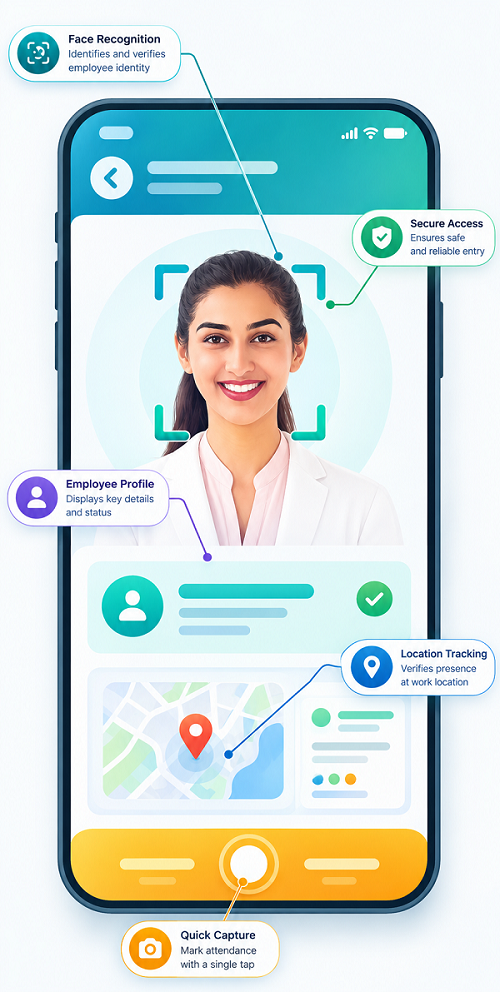
Face attendance devices are commonly used to record employee entry and exit times. At UAE worksites such as construction projects, warehouses, factories, and remote locations, the attendance device may occasionally lose its internet or network connection.
An offline device does not necessarily mean that attendance stops working. Many modern attendance systems can continue recording attendance locally and synchronize the information with the central HR system once connectivity is restored. However, the exact behavior depends on the device and software configuration.
1. The Device May Continue Recording Attendance
Some face attendance devices have local storage that allows them to record attendance events while offline.
For example:
Employee arrives → Face verified → Entry recorded locally → Internet unavailable
The employee's attendance can remain stored on the device until the connection is restored.
HR should confirm that the selected device supports offline attendance before deploying it at a worksite.
2. Attendance Data Can Synchronize Later
Once the network connection returns, the device may automatically transfer stored attendance records to the central attendance platform.
The process can look like:
Offline attendance → Local storage → Network restored → Data synchronization → Central HR system
This prevents every network interruption from becoming a missing attendance record.
3. HR May Temporarily Lose Real-Time Visibility
While the device is offline, HR may not immediately see new attendance events in the central dashboard.
For example, an employee may have successfully entered the site, but the central system may not display the attendance until synchronization occurs.
Therefore, HR should distinguish between:
- Attendance recorded locally
- Attendance synchronized to the cloud
These are not necessarily the same event at the same time.
4. The Device Should Maintain Accurate Time
Accurate timestamps are important when attendance is recorded offline.
Employers should ensure that the device has a reliable internal clock and that its time is synchronized when connectivity is available.
Incorrect device time can create problems when calculating:
- Working hours
- Late arrivals
- Early departures
- Overtime
- Shift attendance
Regular device synchronization can help maintain accurate records.
5. HR Should Monitor Offline Devices
A centralized attendance platform may provide device-status information showing whether a terminal is online or offline.
HR or IT teams can monitor:
- Device connectivity
- Last synchronization time
- Stored attendance events
- Battery or power status
- Network availability
- Device errors
This allows technical teams to investigate prolonged outages before they affect payroll processing.
6. Construction Sites Need Additional Planning
UAE construction sites may experience connectivity challenges because some projects operate in temporary or developing locations.
Before installing face attendance devices, employers should assess:
- Internet availability
- Network stability
- Power supply
- Device placement
- Environmental conditions
- Backup connectivity
- Offline storage capacity
A device with offline functionality can be particularly useful when continuous internet access cannot be guaranteed.
7. Use Backup Connectivity Where Necessary
For critical worksites, employers may consider backup connectivity such as an alternative network connection or other approved communication method.
This can reduce the duration of offline periods and help restore centralized attendance visibility more quickly.
However, the backup approach should be evaluated based on the site's operational requirements and security policies.
8. Have a Manual Exception Procedure
Technology failures can occur even when devices support offline mode.
HR should maintain an approved backup procedure for situations where the device itself fails or cannot record attendance.
For example:
Device failure → Supervisor records incident → Employee attendance is verified → HR approves correction → Attendance record is updated
Manual corrections should be documented and controlled to prevent unauthorized changes.
9. Check Data After Synchronization
When connectivity returns, HR should review synchronization status and investigate unusual records.
The reconciliation process can include:
- Comparing device records with central attendance
- Checking missing punches
- Reviewing duplicate events
- Verifying clock-in and clock-out times
- Checking employees affected by the outage
- Confirming that payroll data is complete
This is particularly important if the device remained offline for an extended period.
10. Protect Stored Attendance Data
If attendance records are temporarily stored on the device, employers should consider how that information is protected.
Security measures may include:
- Device authentication
- Encryption
- Restricted administrative access
- Secure synchronization
- Regular software updates
- Physical protection of the terminal
Because facial recognition involves biometric information, employers should also consider applicable UAE data-protection requirements when selecting and configuring the system.
11. Prevent Offline Periods From Creating Payroll Errors
An offline device should not automatically result in an absence or incorrect payroll adjustment.
Before payroll is finalized, HR should confirm that attendance records have successfully synchronized and that any outages have been reconciled.
The monthly workflow can be:
Attendance recorded → Synchronization → HR review → Exception correction → Payroll processing
This helps ensure that network interruptions do not unnecessarily affect employee pay.
12. Establish an Incident Response Process
Organizations should define who is responsible when a face attendance device goes offline.
For example:
- Site supervisor: Reports the problem.
- IT team: Checks network or device connectivity.
- HR: Monitors attendance impact.
- Payroll team: Reconciles affected records before payroll.
- System administrator: Confirms synchronization.
A defined responsibility structure can reduce confusion during technical failures.
Conclusion
When a face attendance device goes offline at a UAE worksite, the outcome depends on the device and attendance platform. Systems with offline storage and synchronization can continue recording attendance locally and transfer the information once connectivity is restored.
Employers should nevertheless maintain reliable backup procedures, monitor device status, verify synchronization, protect stored biometric information, and reconcile affected records before payroll processing.
For UAE worksites, especially construction and remote locations, choosing a face attendance solution with offline capability, accurate timekeeping, secure synchronization, centralized monitoring, and an exception-management process can make attendance tracking more resilient.
An offline device should not make attendance disappear. InnBuilt Face Attendance Software can support a review process for delayed or missing site punches so UAE managers reconcile records before payroll.